# SQL Editor
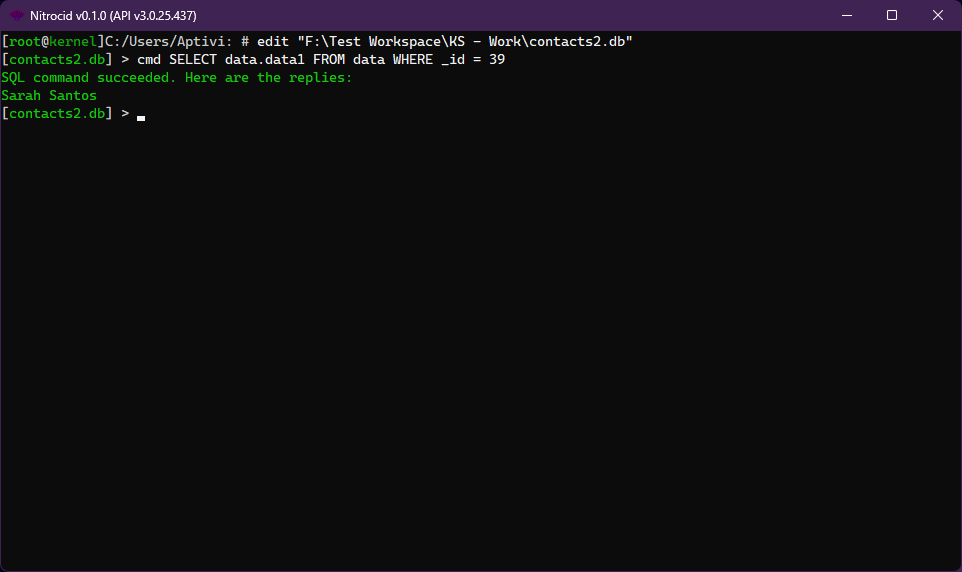
The SQL Shell allows you to execute any SQL command to a connected database file. It supports databases which are created by SQLite, MySQL, and their derivatives.
{% hint style="info" %}
For list of commands supported by MySQL, consult this [link](https://dev.mysql.com/doc/refman/8.0/en/sql-statements.html).
{% endhint %}
## Commands
You can consult the below page for the list of SQL editor commands.
{% content-ref url="../../shells/commands-list" %}
[commands-list](https://aptivi.gitbook.io/stable/nitrocid-ks-v0.1.0-service-pack-2/fundamentals/simulated-kernel-features/shells/commands-list)
{% endcontent-ref %}
## Interactive TUI
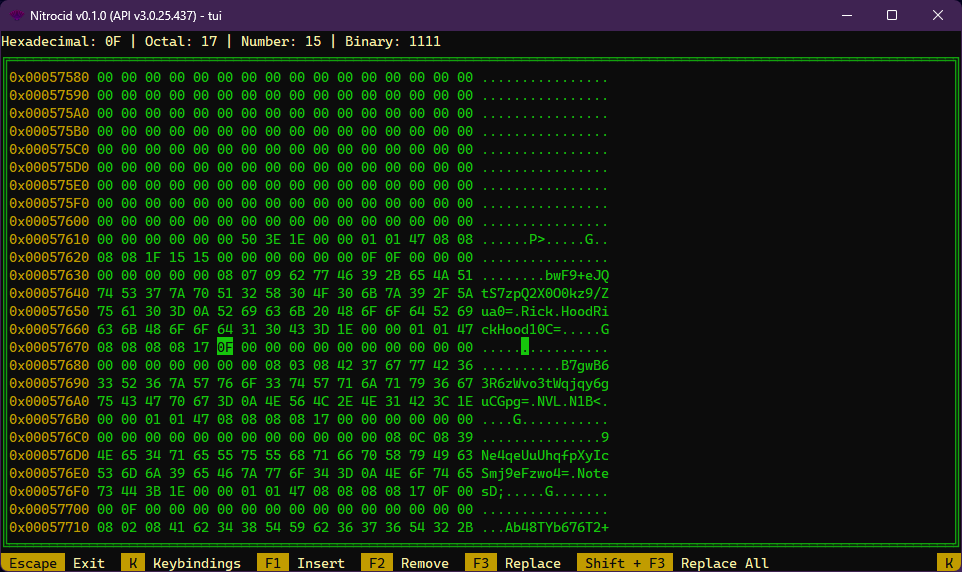
You can also interactively edit SQL files using the powerful interactive TUI for hex editing. You can consult the below page for more information about how to use it:
{% content-ref url="../../editors/hex-editor" %}
[hex-editor](https://aptivi.gitbook.io/stable/nitrocid-ks-v0.1.0-service-pack-2/fundamentals/simulated-kernel-features/editors/hex-editor)
{% endcontent-ref %}