# Building your Mod
You're looking to create a mod for Nitrocid KS! That's great! Make sure that you have Visual Studio installed. Follow the steps to create your first mod.
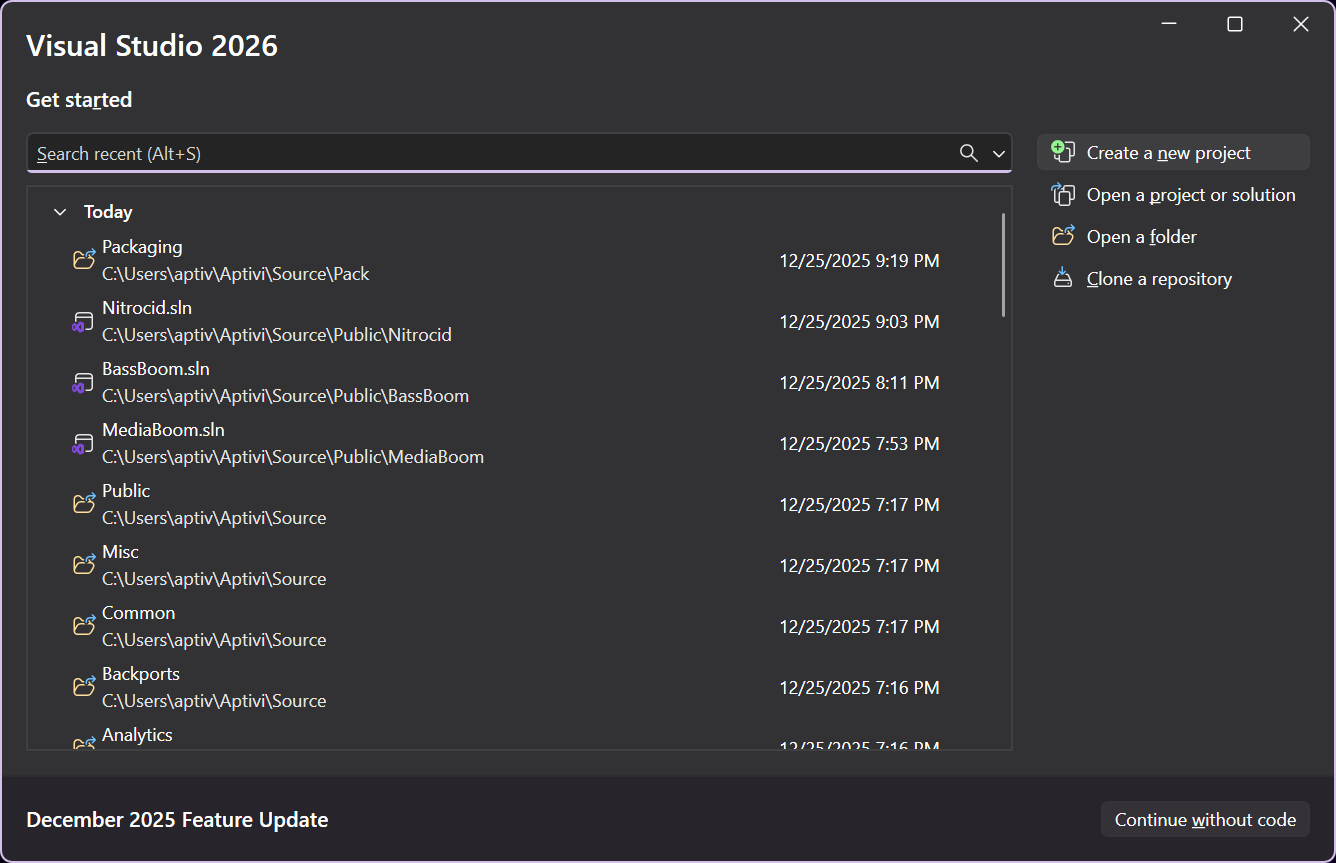
1. Press `Create a new project` on Visual Studio homepage
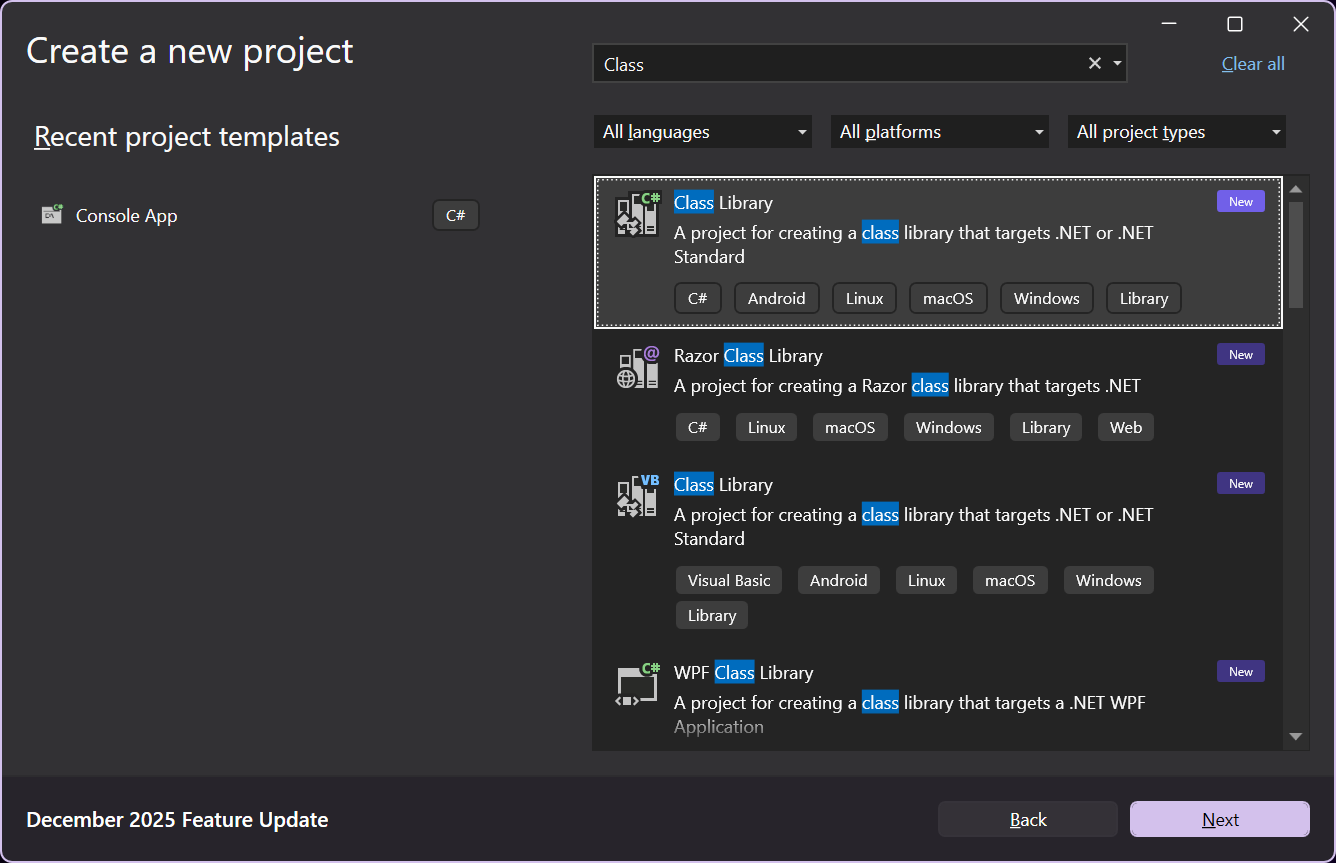
2. Find `Class Library` and double-click it
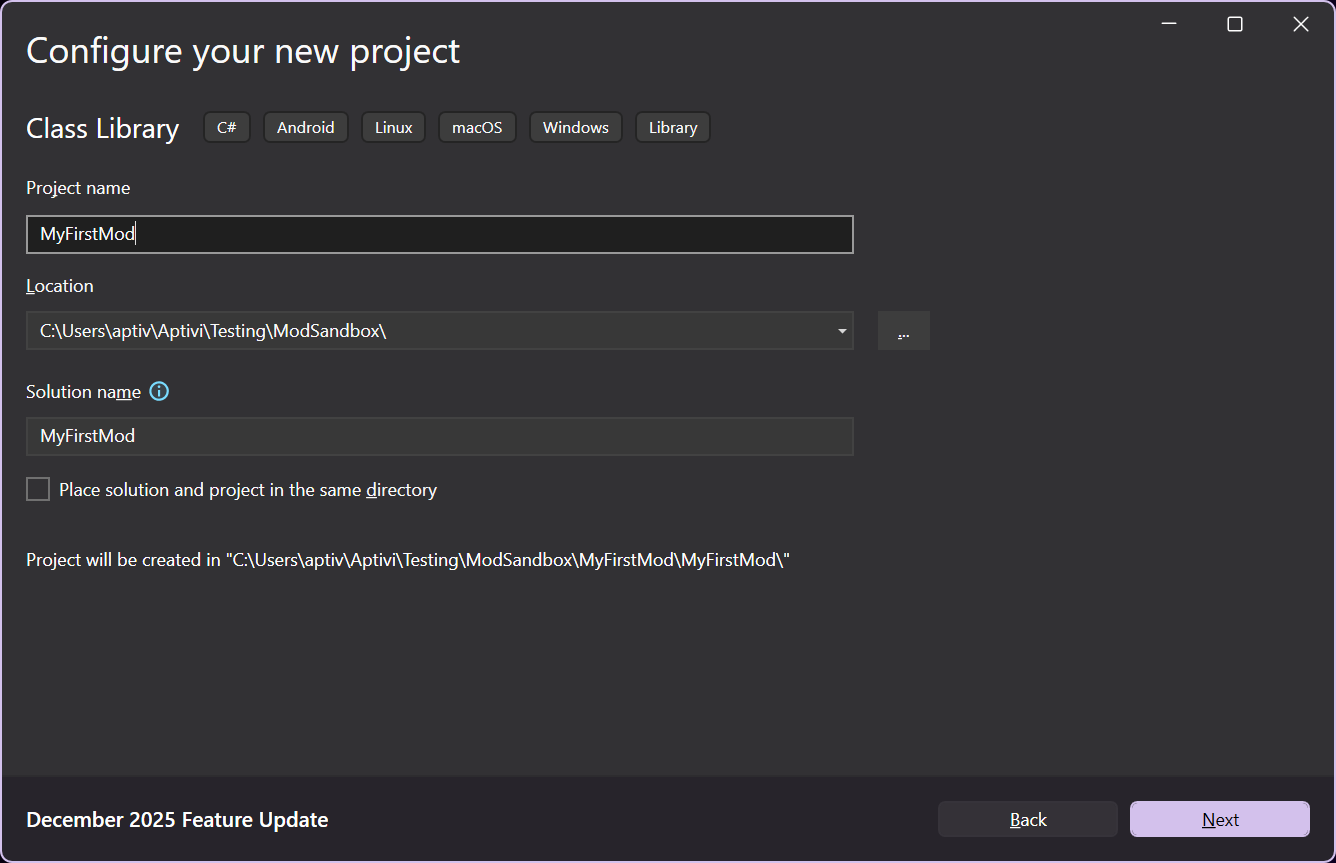
3. Write your mod name, like in our example, `MyFirstMod`.
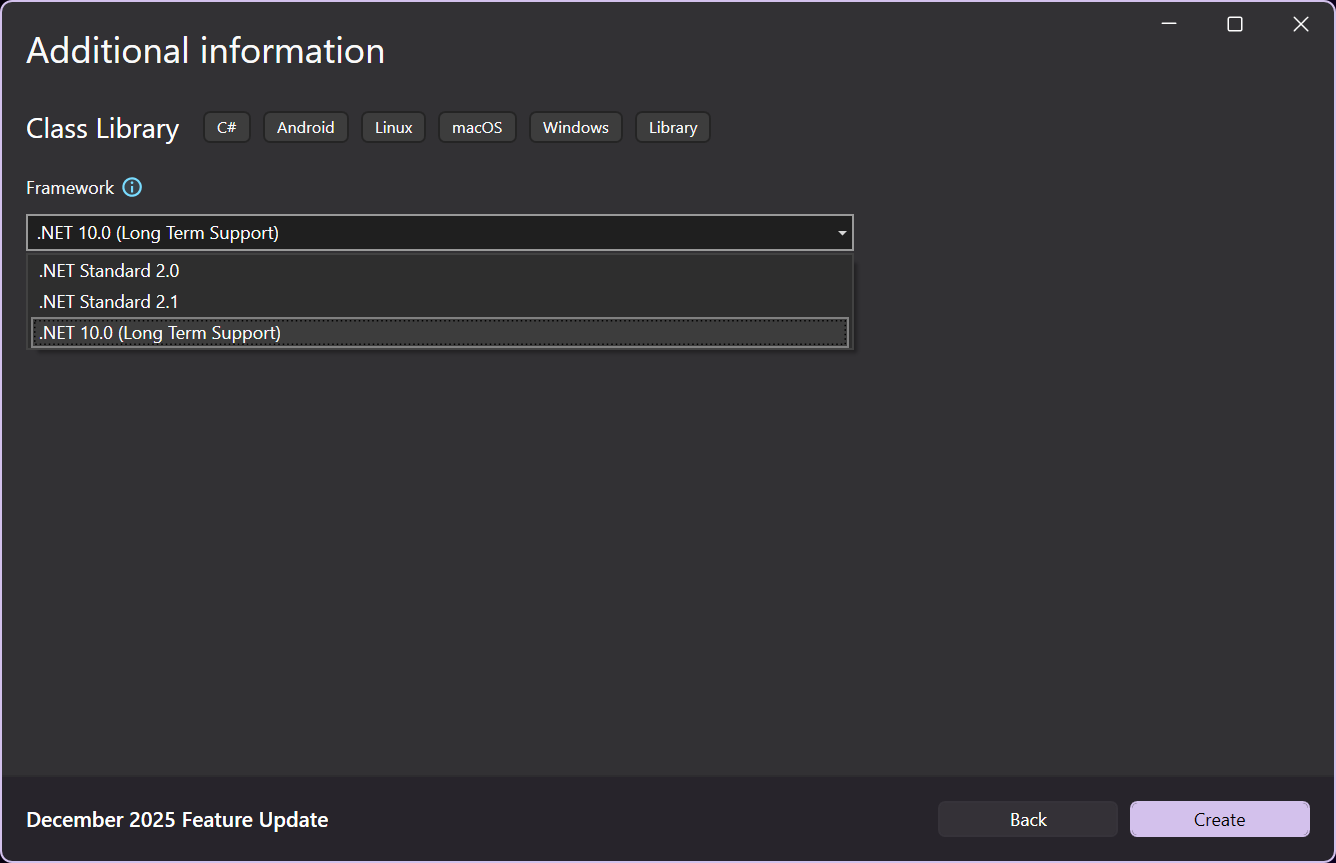
4. Make sure that `.NET 8.0` is used. Press `Create`.
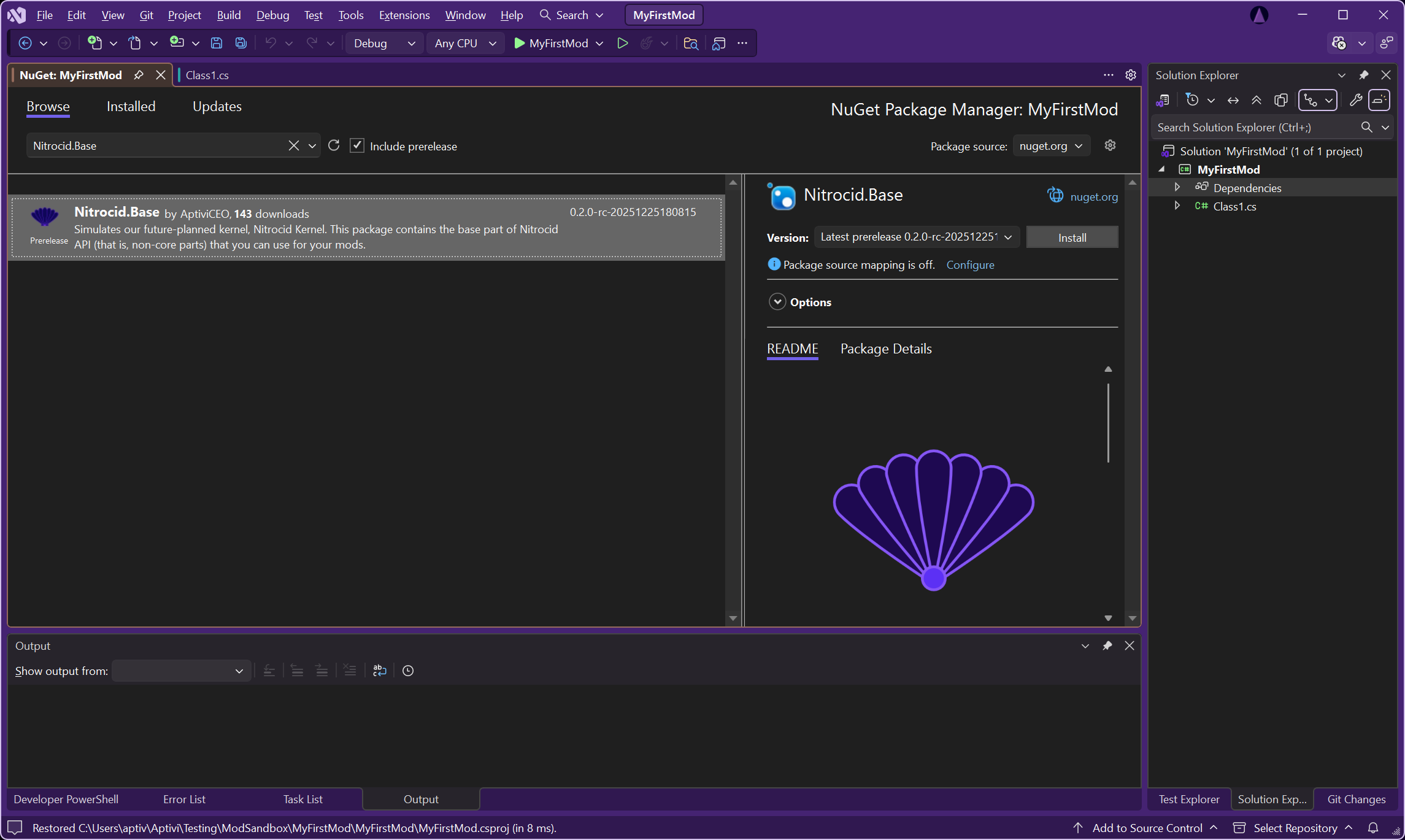
5. Right-click on `Dependencies` -> `Manage NuGet Packages`, find `Nitrocid.Base`, and install it.
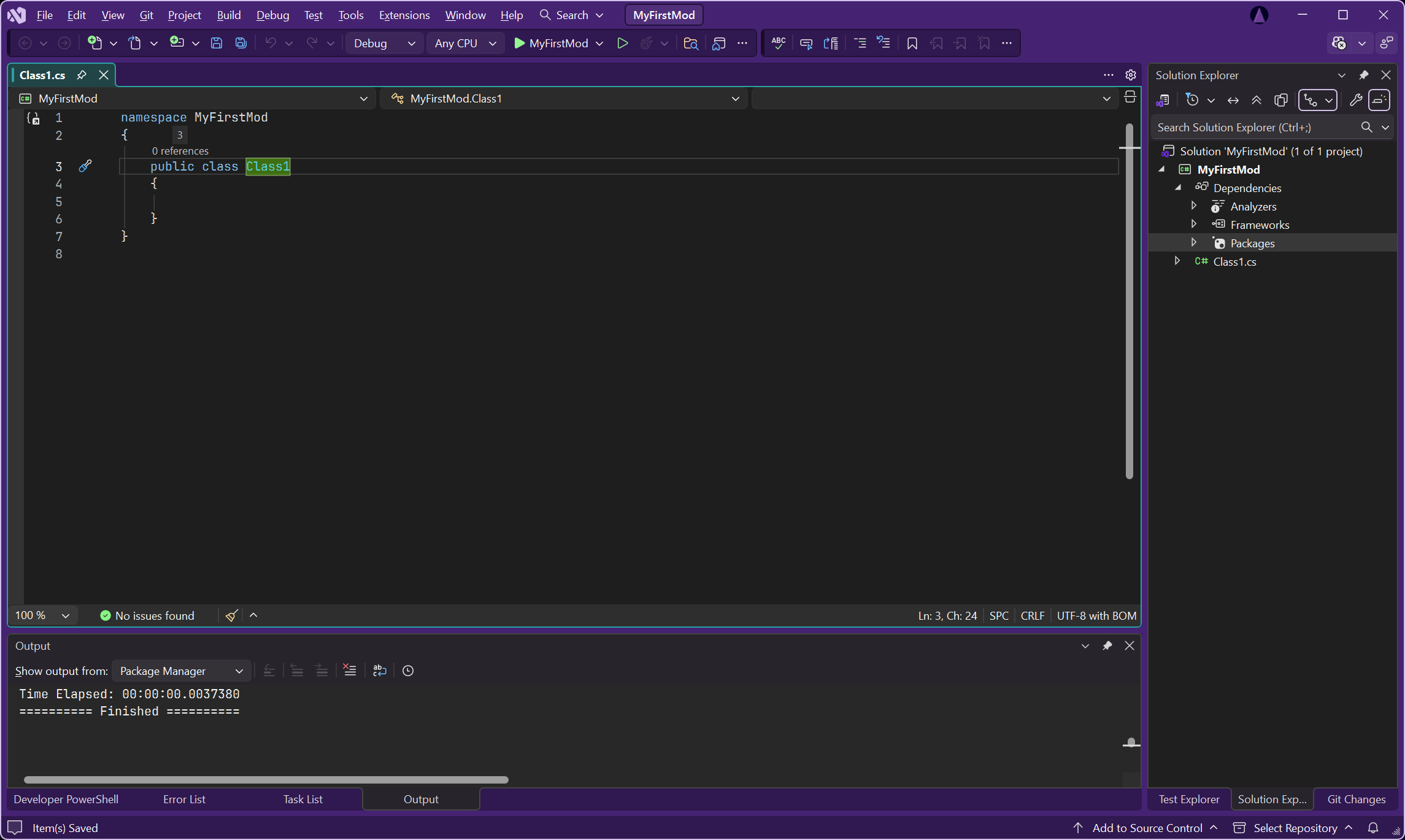
6. Once the package is installed, go to the `Class1.cs` source file
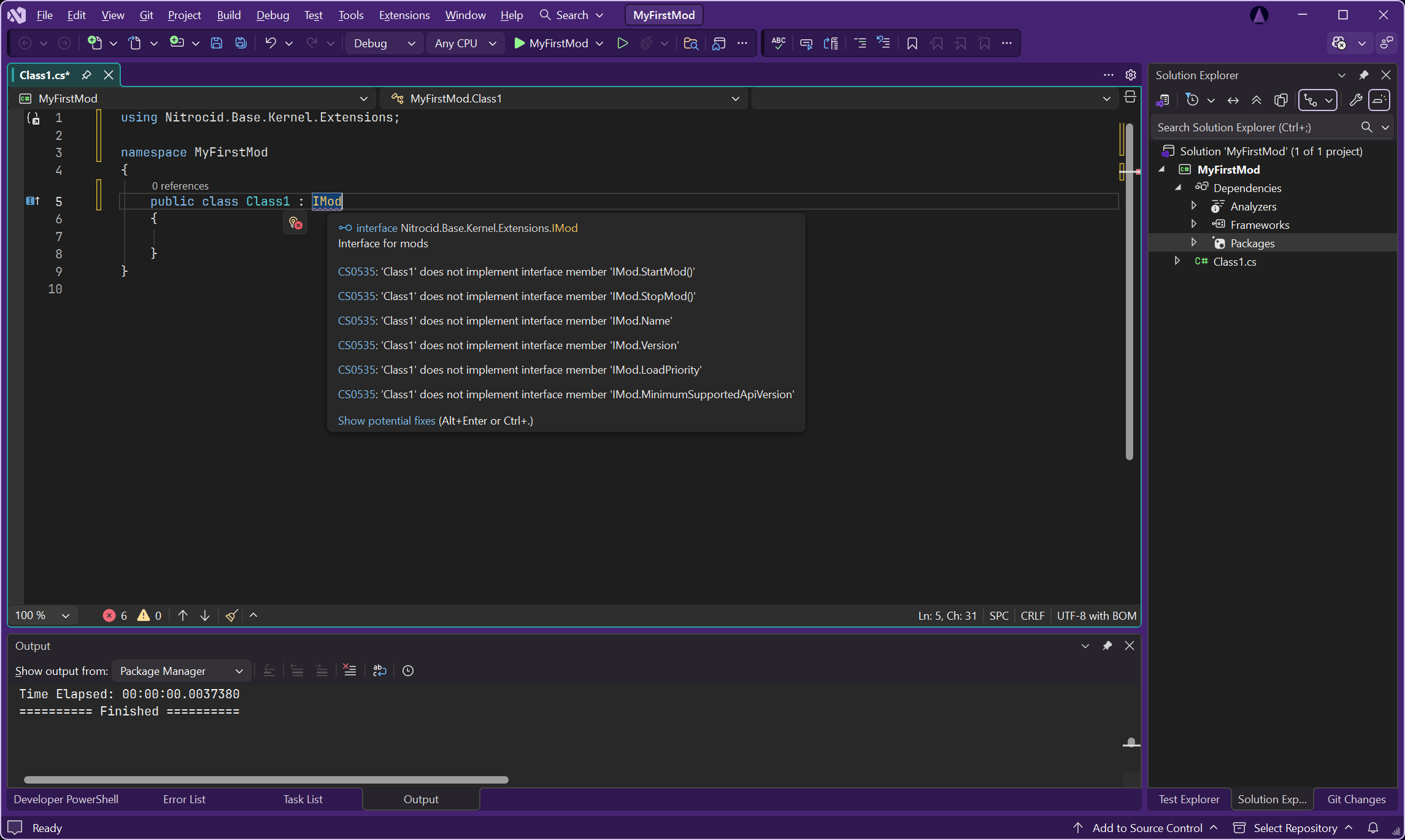
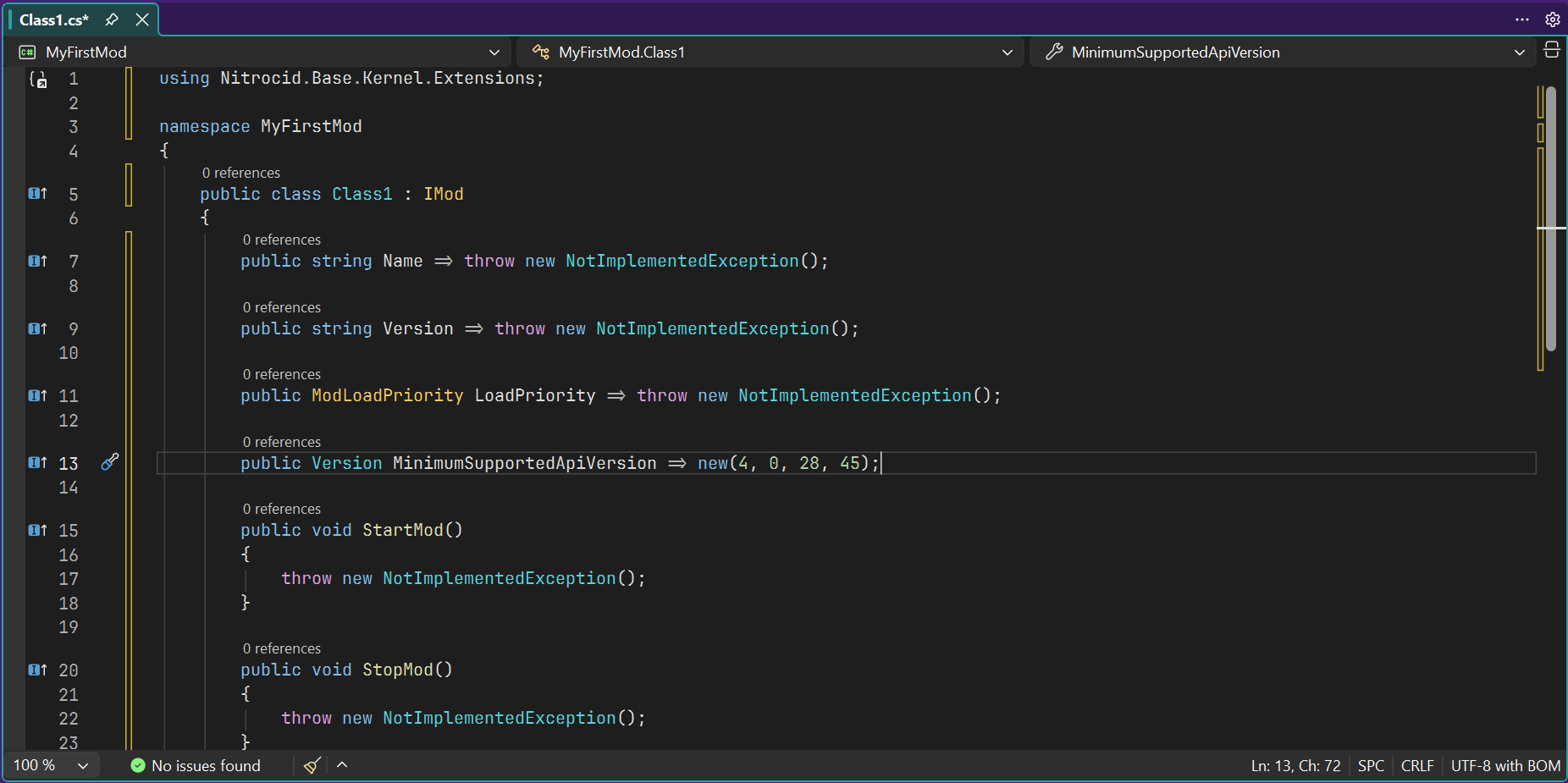
7. Write next to the class file `: IMod` and import the required namespace by `using Nitrocid.Base.Kernel.Extensions;`. You should see errors indicating that you have to implement the methods.
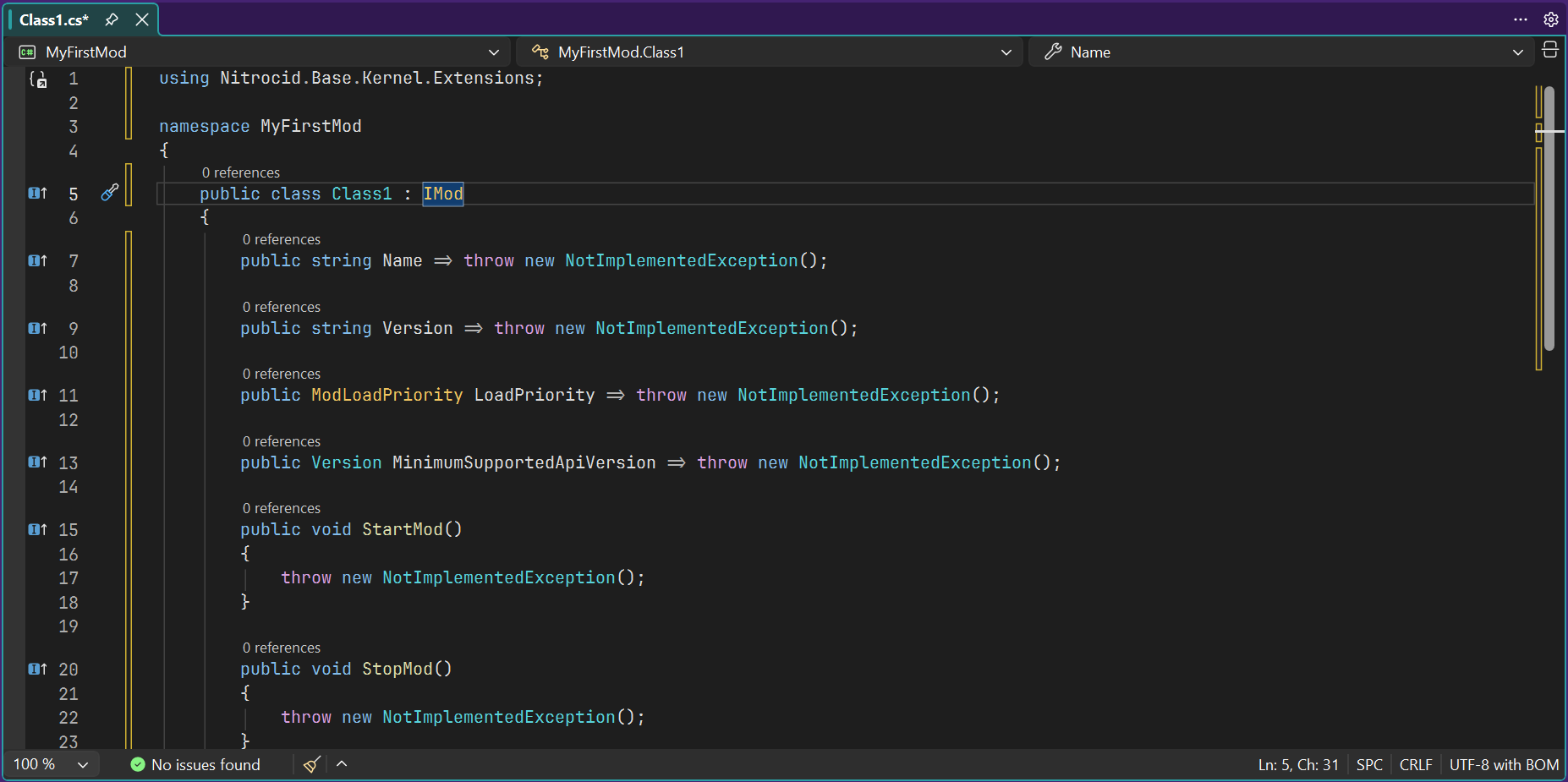
8. After implementation, you should see:
9. Remove all calls to `NotImplementedException` and set the minimum supported API version. You can check the API version by executing the Nitrocid executable with `--apiversion`.
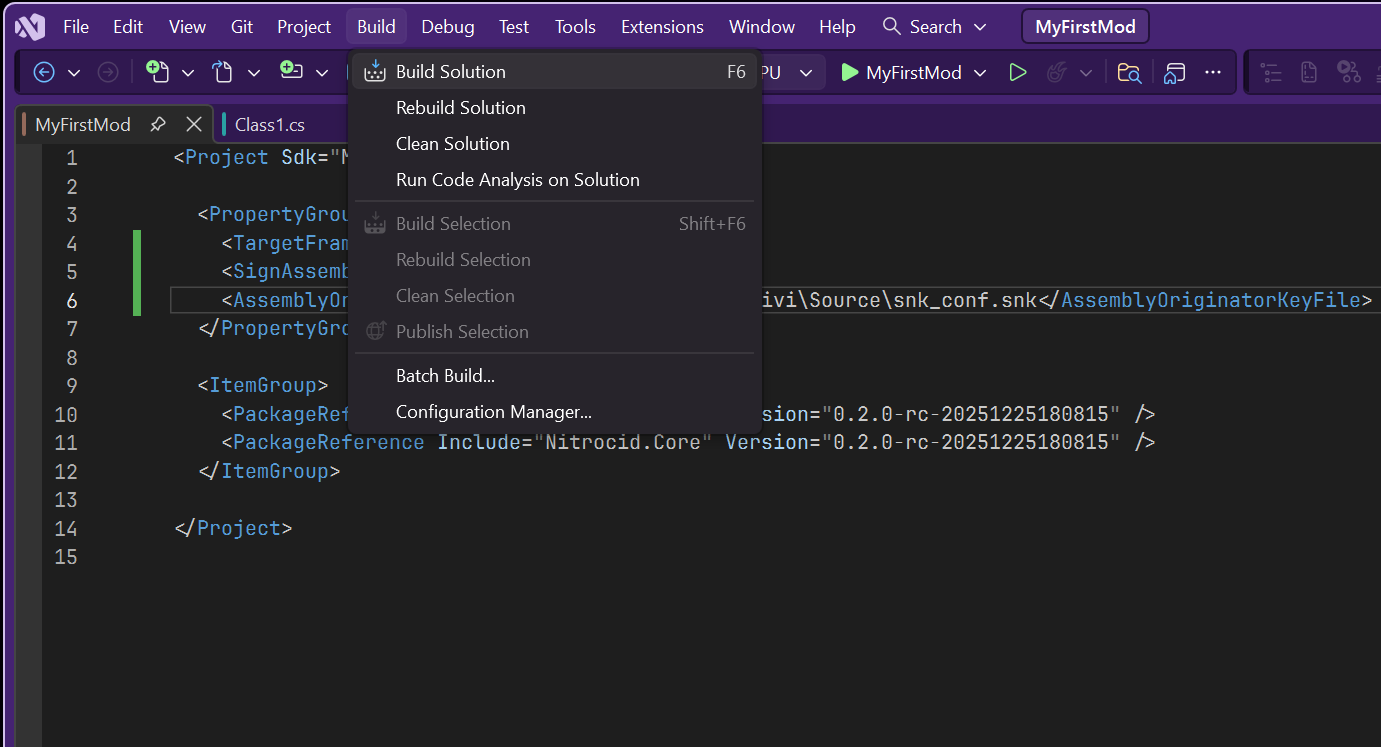
10. Now, implement everything as you wish. Once you're done, follow the steps on how to create a strong name signing key and [sign your mod](https://learn.microsoft.com/en-us/dotnet/standard/assembly/sign-strong-name). Then, click on the `Build` menu and select `Build Solution`.
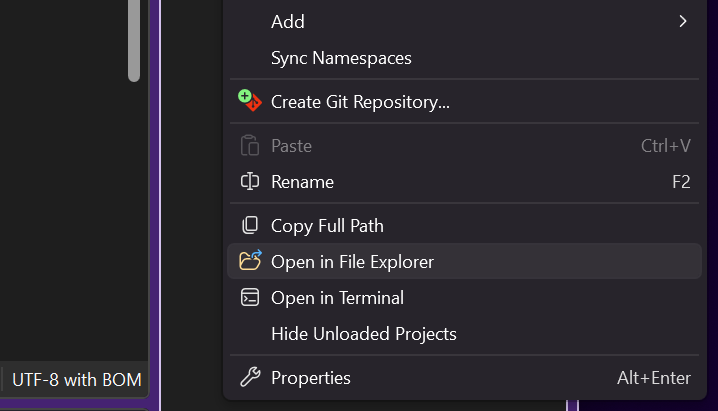
11. Once the solution is built, open the file explorer to the solution directory by right-clicking on the solution and selecting `Open Folder in File Explorer`.
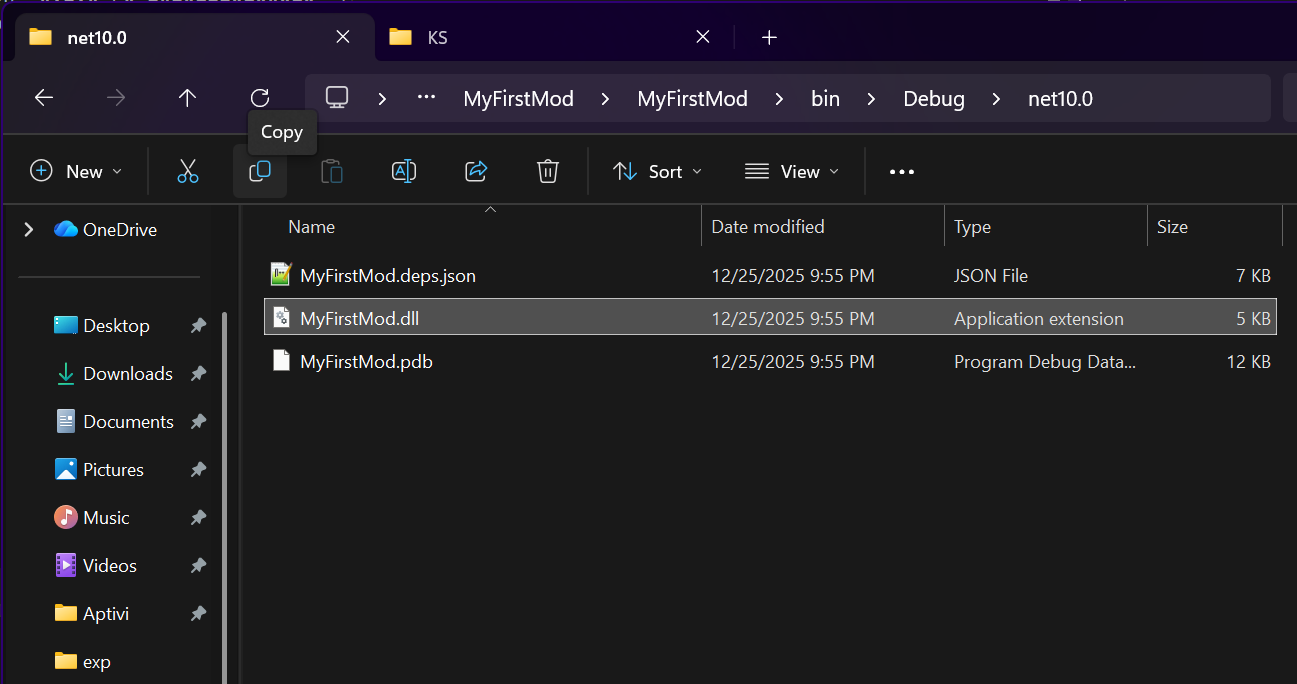
12. Navigate to the output directory and copy the `.dll` file to `KSMods` under the `%localappdata%/KS` folder.
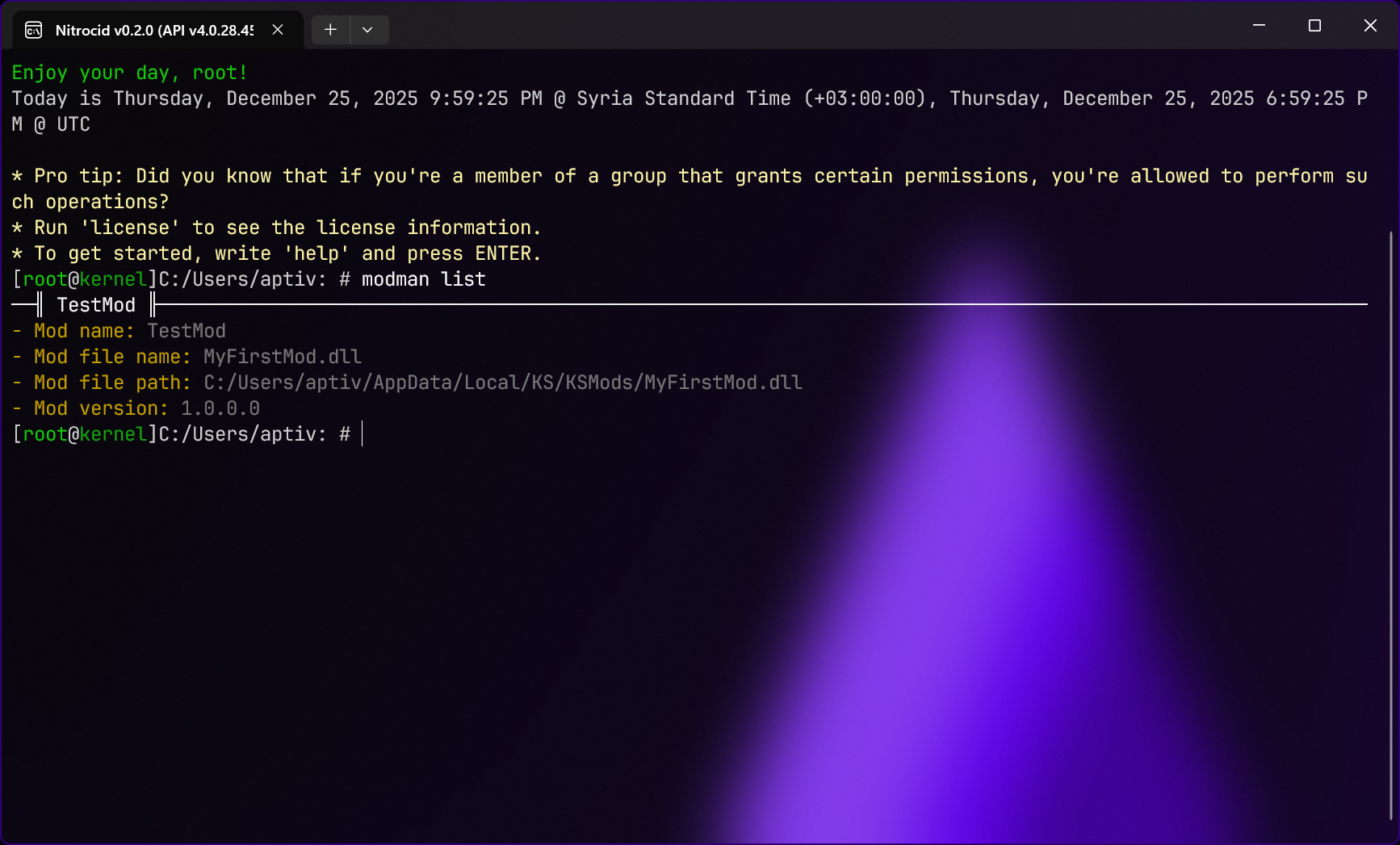
13. Open Nitrocid KS to test your mod. Ensure that `modman list` lists your mod.
{% hint style="info" %}
You will have to turn on kernel modifications from the kernel settings. Navigate to `General > Start kernel modifications on boot` and turn it on.
You can also make use of the [`KSTemplates`](https://github.com/Aptivi/KSTemplates) repository, which can be installed to Visual Studio using the `dotnet new install path/to/KS.Templates.nupkg` command. It installs both C# and Visual Basic templates for your mods.
{% endhint %}
## Bleeding-edge builds
Bleeding-edge NuGet builds are available in our organization's GitHub Package Registry. In order to use such builds, you'll need to consult the **Installing canary NuGet packages** section of the below page:
{% content-ref url="" %}
[Installation](https://app.gitbook.com/s/Id4bob6wnHvpX4zbVVtI/csharp-libraries/installation-and-upgrade/installation)
{% endcontent-ref %}