# Testing
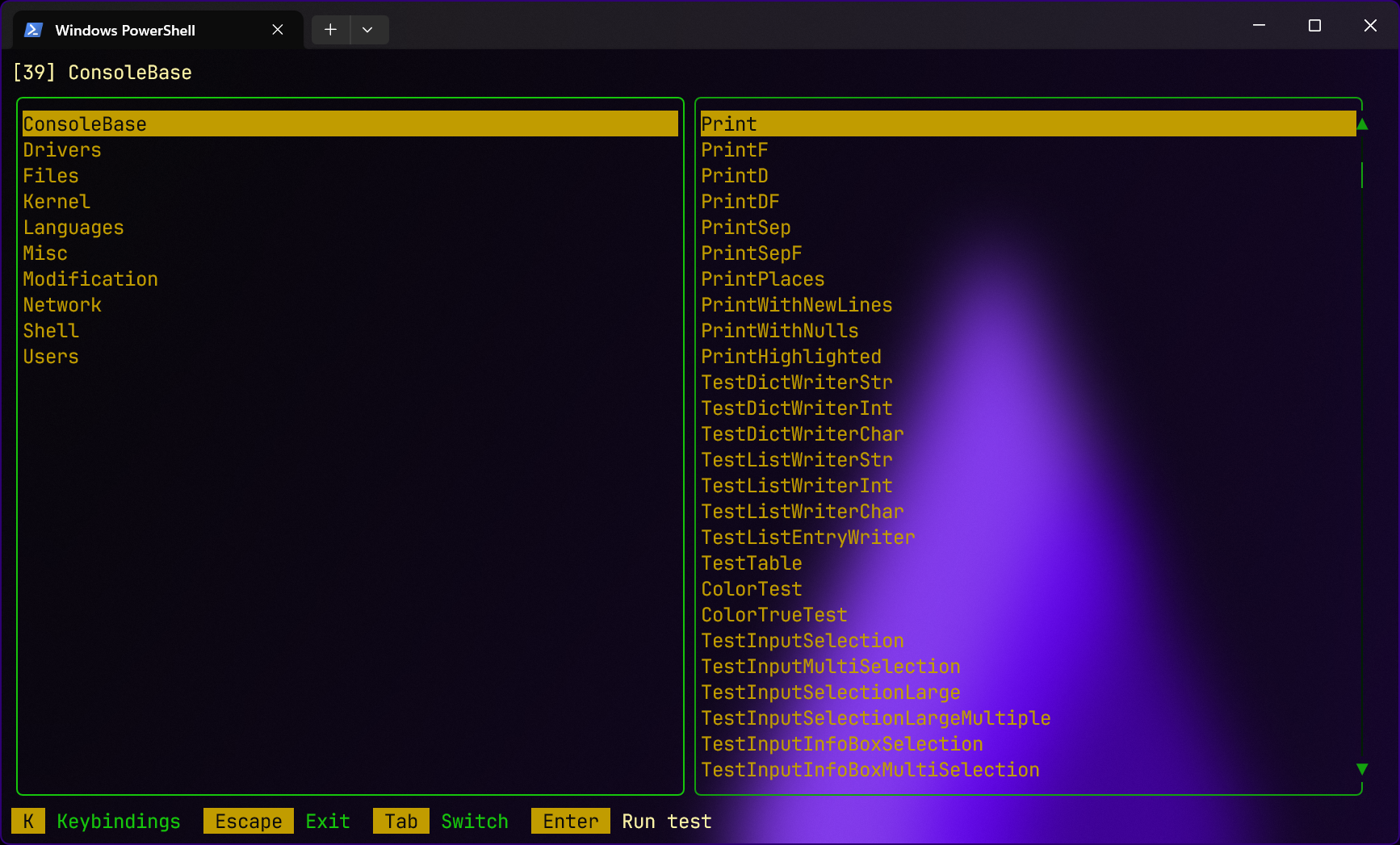
Another way to diagnose the kernel is through testing. It uses the facade system to allow you to test individual kernel features. It can be invoked by running Nitrocid KS with the `testInteractive` command-line argument.
## Controls
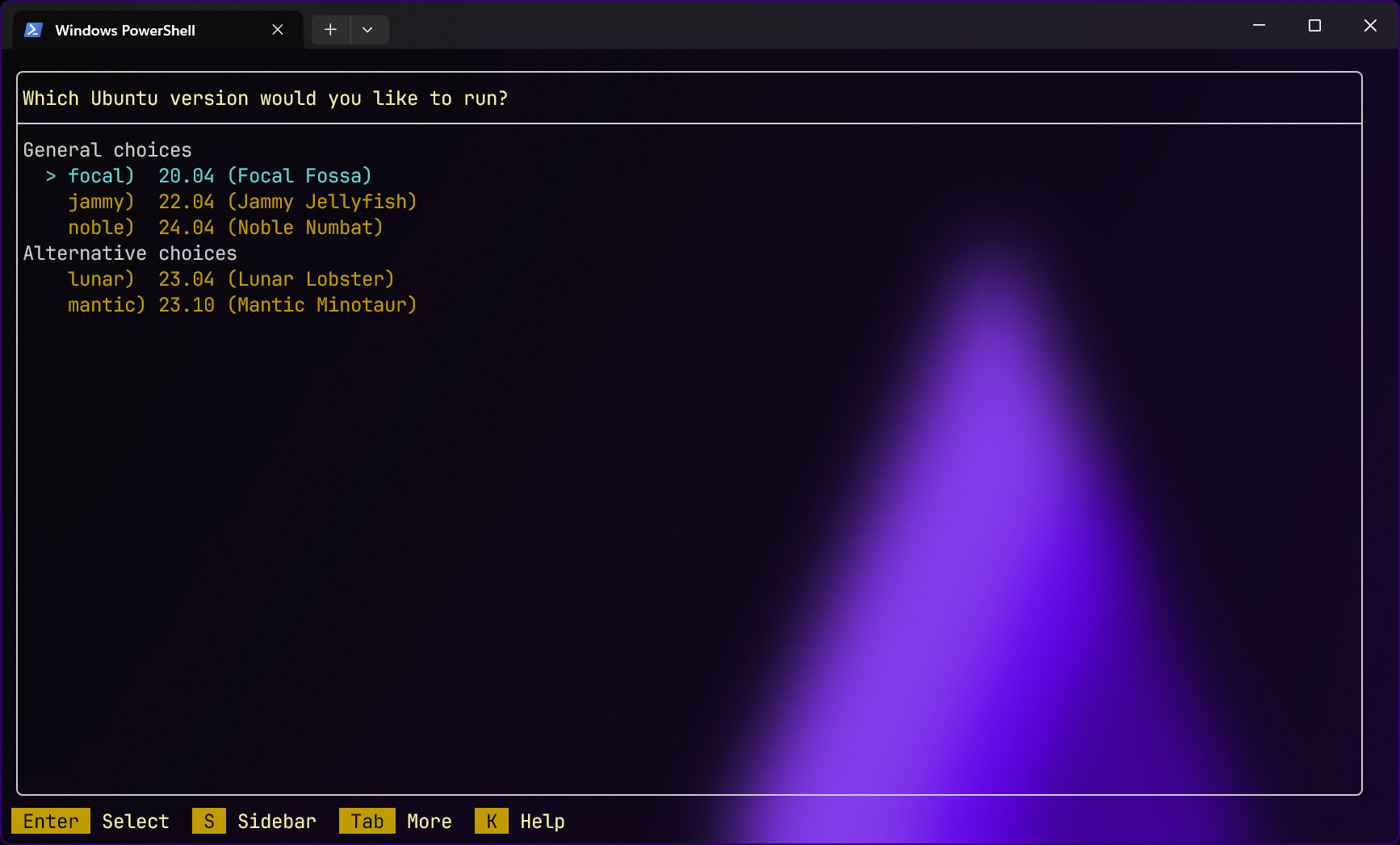
In the main screen, it shows you all the available test facades, with the four below options. Pressing ENTER in the second pane will run a test facade and gives you an option to see whether the test succeeded or failed at the end of the test.
## How it works?
To learn more about how it works, please consult the below page:
{% content-ref url="" %}
[Test Fixtures](https://app.gitbook.com/s/G0KrE9Uk2AiblqjWtpAo/usage/console-tools/test-fixtures)
{% endcontent-ref %}