# Permissions
Permissions indicate what actions that your user or any of the other users are allowed or denied. They can be used to allow or deny users access to some features in the real-world systems. For example, in the filesystem permissions found in Linux systems, if your user isn't granted the execute permission for a specific file, trying to execute said file will give you the permission denied message, preventing the execution of this file.
In the simulated system, it only simulates the permission types that can be granted or denied to the users. These can be used to control the users what administrative actions they can do and what they can't. There is a permission editing facility that you can use by invoking the `perm` command. You can do two things: allow and deny. However, if the target user is the administrator (their `admin` flag being set to `true`), all of the permissions, even unlisted, will be granted.
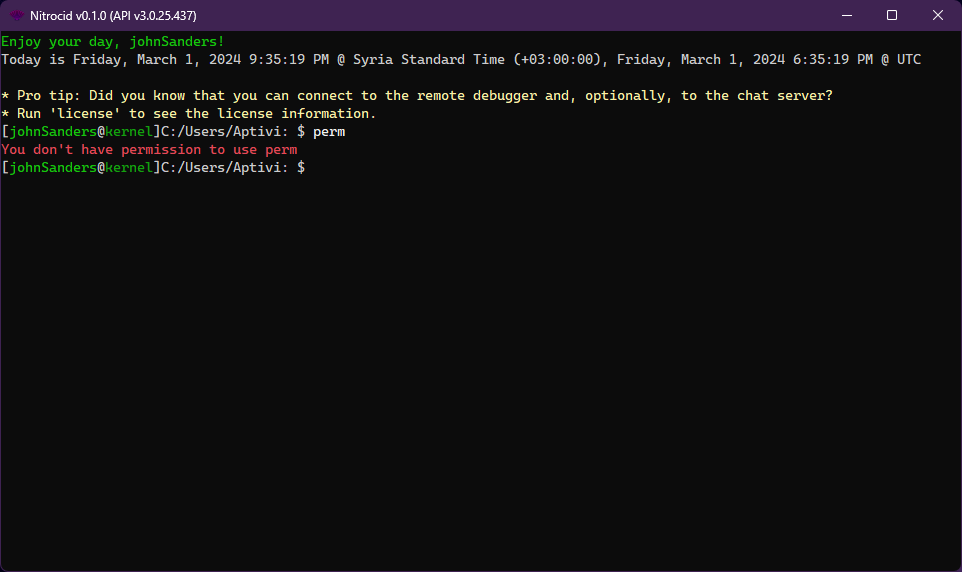
For example, the below screenshot shows that the first normal user, `johnSaunders`, can't manipulate the permissions because they don't have the permission management granted.
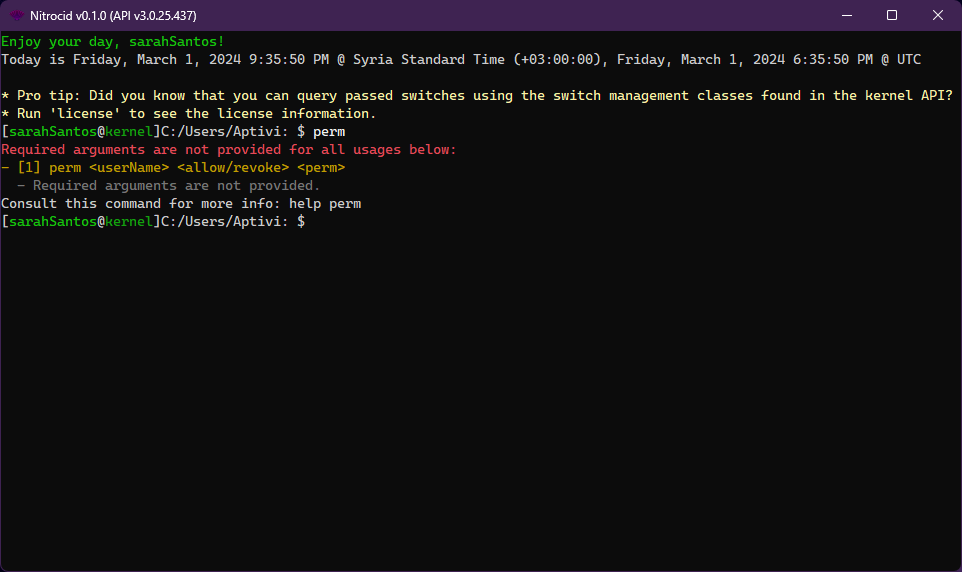
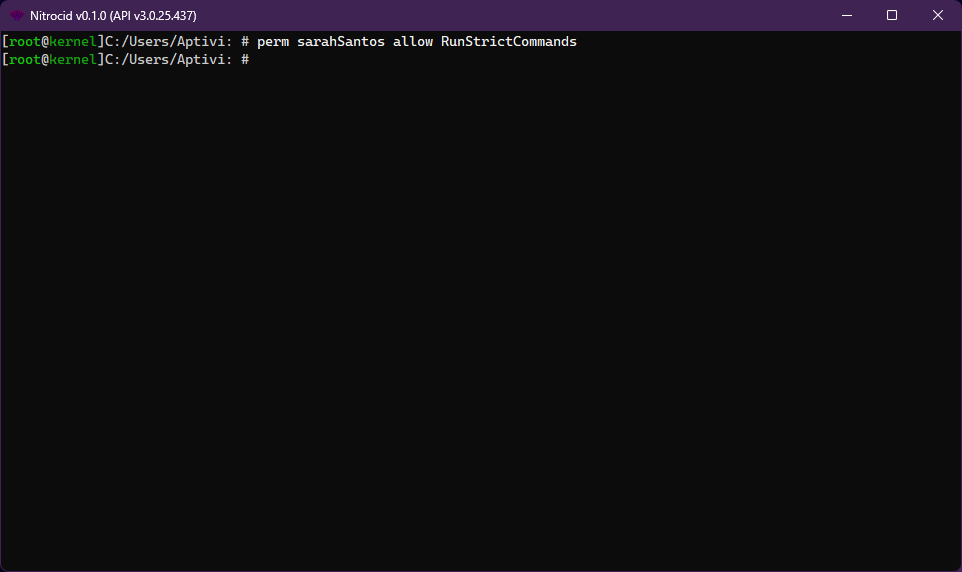
The below screenshot also shows the second non-administrative user, `sarahSantos`, being granted the permission manipulation authority, so they can use the `perm` command to edit permissions for any user.
To use this utility, choose what you want to do with the target user's permissions and follow the steps below. You can consult the permissions list under the `Advanced and Power Users` category by clicking on the below link.
{% content-ref url="../../../advanced-and-power-users/inner-workings/inner-essentials/the-permissions" %}
[the-permissions](https://aptivi.gitbook.io/deprecated/nitrocid-ks-v0.1.2-service-pack-1/advanced-and-power-users/inner-workings/inner-essentials/the-permissions)
{% endcontent-ref %}
### Grant permissions
You're looking to grant a user permissions. Follow these steps:
1. Log-in to the system account, root, or any of the administrators or users that has at least the permission management authority
2. Execute the `perm` command to grant the permission
* The full usage of the `perm allow` command is `perm `
3. Log out of the user and log-in to the new user
{% hint style="info" %}
Note that your account must have either the administrative permissions enabled or the permission management authority granted to be able to use this command.
{% endhint %}
### Revoke permissions
If you no longer want a user to be granted a specific permission, follow these steps:
1. Log-in to the system account, root, or any of the administrators or users that has at least the permission management authority
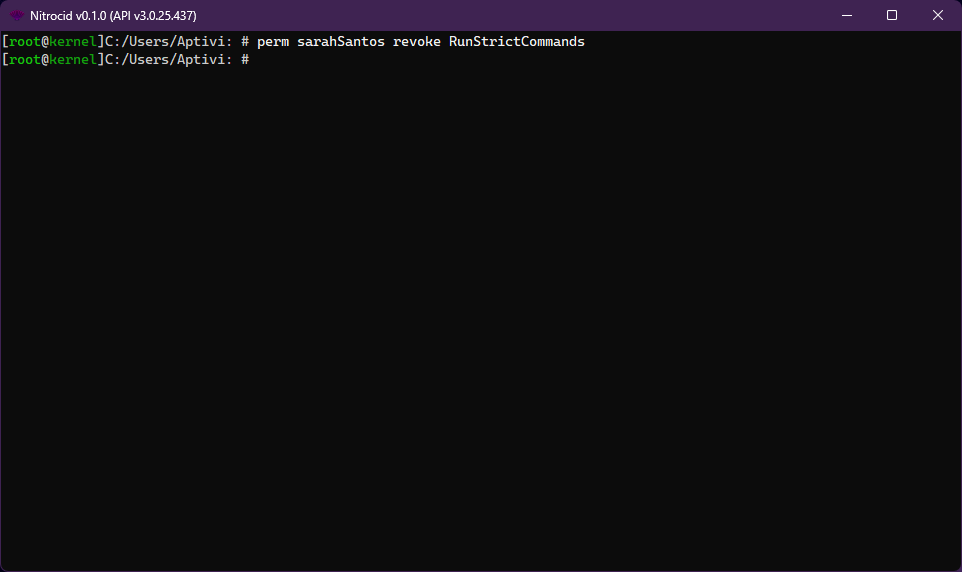
2. Execute the `perm` command to revoke the permission
* The full usage of the `perm revoke` command is `perm `
3. Log out of the user and log-in to the new user
{% hint style="info" %}
Note that your account must have either the administrative permissions enabled or the permission management authority granted to be able to use this command.
{% endhint %}
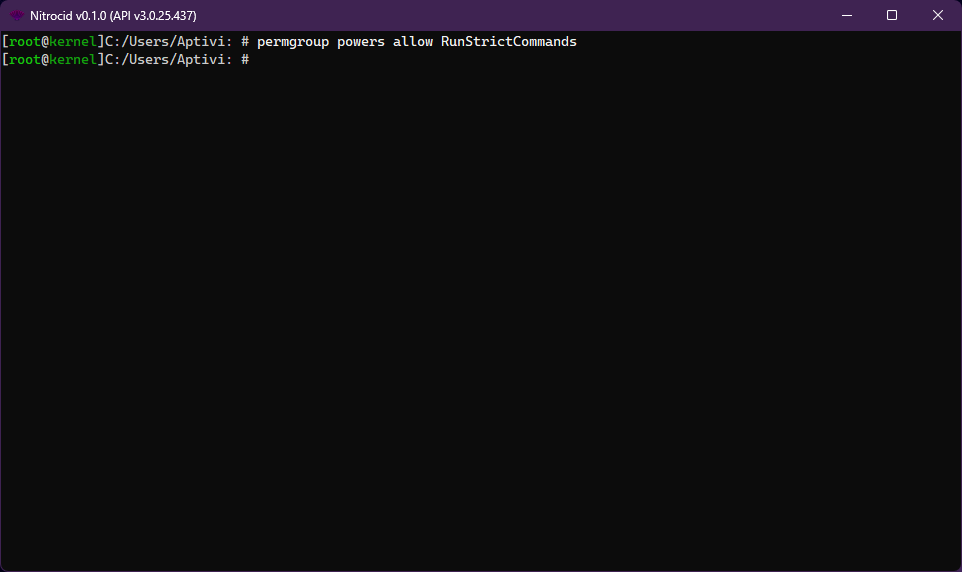
### Grant a permission to a group
You're looking to grant a user permissions. Follow these steps:
1. Log-in to the system account, root, or any of the administrators or users that has at least the permission management authority
2. Execute the `permgroup` command to grant the permission
* The full usage of the `permgroup allow` command is `permgroup `
3. Log out of the user and log-in to a user that is part of a group
{% hint style="info" %}
Note that your account must have either the administrative permissions enabled or the permission management authority granted to be able to use this command.
{% endhint %}
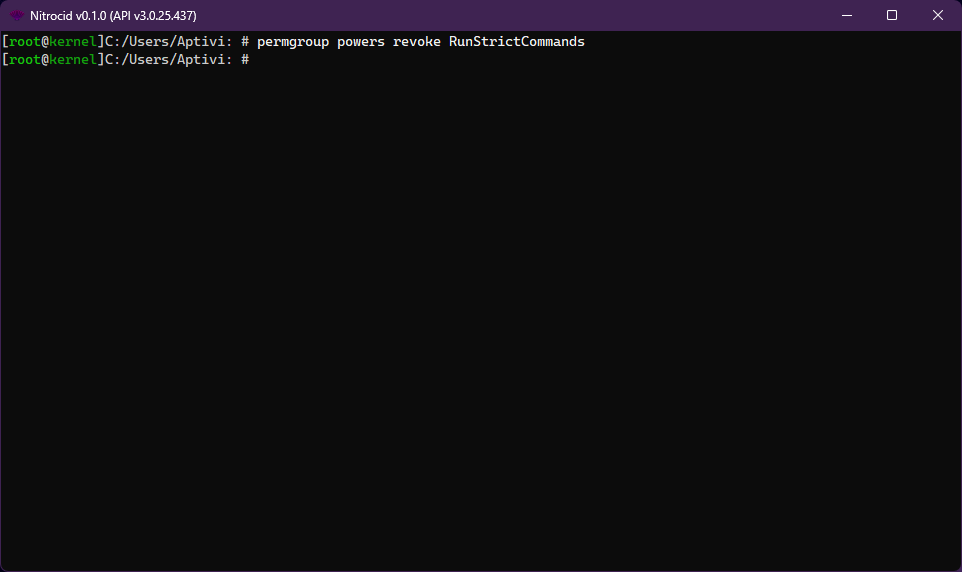
### Revoke a permission from a group
If you no longer want a group to be granted a specific permission, follow these steps:
1. Log-in to the system account, root, or any of the administrators or users that has at least the permission management authority
2. Execute the `permgroup` command to revoke the permission
* The full usage of the `permgroup revoke` command is `permgroup `
3. Log out of the user and log-in to a user that is part of a group
{% hint style="info" %}
Note that your account must have either the administrative permissions enabled or the permission management authority granted to be able to use this command.
{% endhint %}
## Inner workings
To get an insight of how permissions work internally, consult the link below:
{% content-ref url="../../../advanced-and-power-users/inner-workings/inner-essentials/the-permissions" %}
[the-permissions](https://aptivi.gitbook.io/deprecated/nitrocid-ks-v0.1.2-service-pack-1/advanced-and-power-users/inner-workings/inner-essentials/the-permissions)
{% endcontent-ref %}