> For the complete documentation index, see [llms.txt](https://aptivi.gitbook.io/aptivi/llms.txt). Markdown versions of documentation pages are available by appending `.md` to page URLs; this page is available as [Markdown](https://aptivi.gitbook.io/aptivi/nitrocid-ks-v0.2.1-rolling-manual/fundamentals/simulated-kernel-features/extra-features/common-programs/dictionary.md).
# Dictionary
The English Dictionary
Nitrocid KS features a dictionary supplied as a separate addon to allow you to get a definition of an English word. You can define a word of your choice, as long as it's found in the back end, which is the [Free Dictionary API](https://dictionaryapi.dev/).
{% hint style="info" %}
`dictionaryapi.dev` API is licensed under [CC BY-SA 3.0](https://creativecommons.org/licenses/by-sa/3.0).
{% endhint %}
***
## Usage
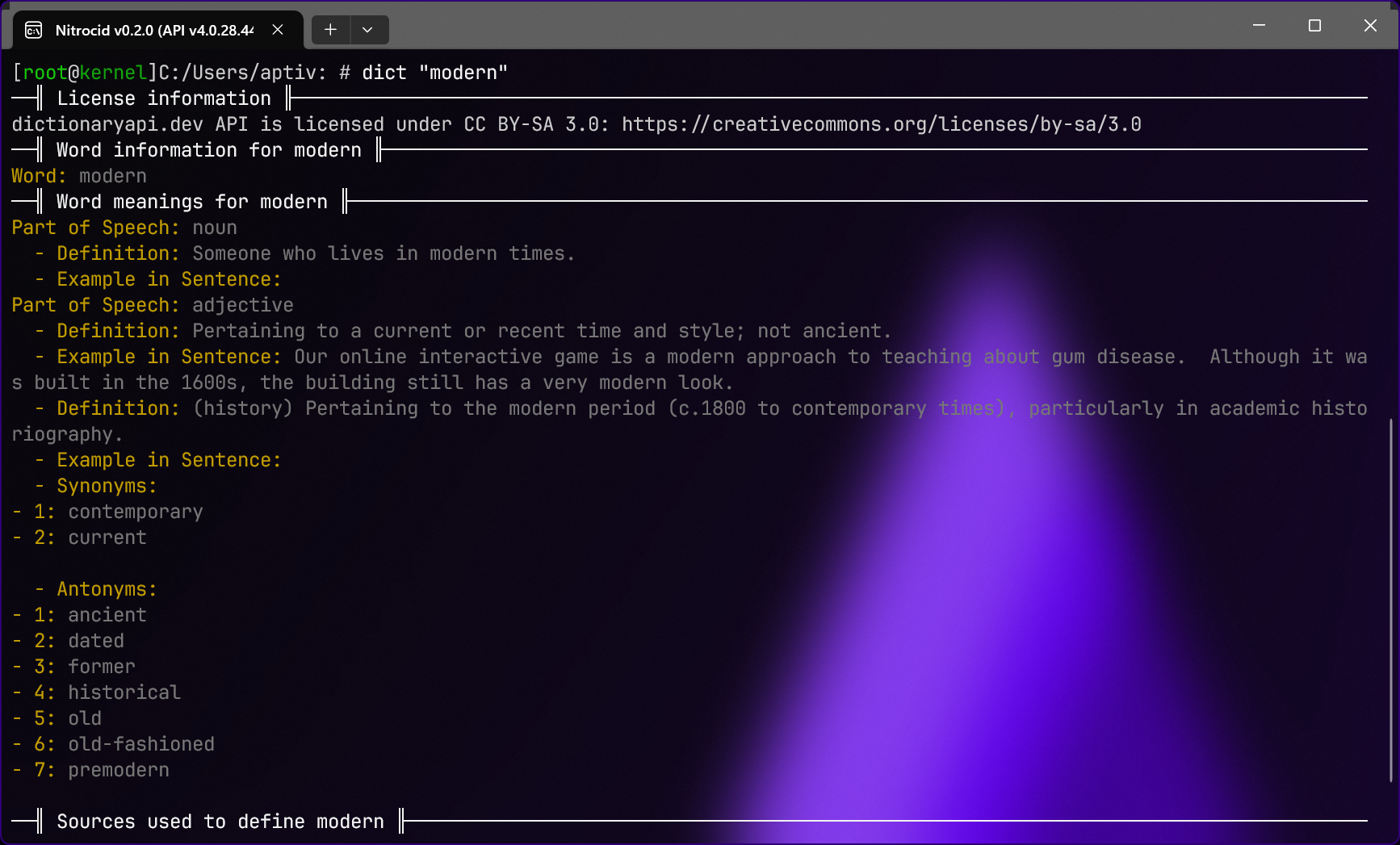
This feature can be used by executing the `dict` command, passing it a word that you want to define, such as `hello` or `goodbye`. The dictionary command provides you with the following information:
* Word
* Word meaning
* Part of speech
* Definition
* Example in sentence
* Meaning-based synonyms
* Meaning-based antonyms
* Base synonyms
* Base antonyms
{% hint style="info" %}
The availability of said information can vary, depending on a word and on a part of speech used in various meanings.
{% endhint %}