> For the complete documentation index, see [llms.txt](https://aptivi.gitbook.io/aptivi/llms.txt). Markdown versions of documentation pages are available by appending `.md` to page URLs; this page is available as [Markdown](https://aptivi.gitbook.io/aptivi/nitrocid-ks-v0.2.1-rolling-manual/fundamentals/simulated-kernel-features/extra-features/common-programs/archive.md).
# Archive
You can manipulate with the archive files!
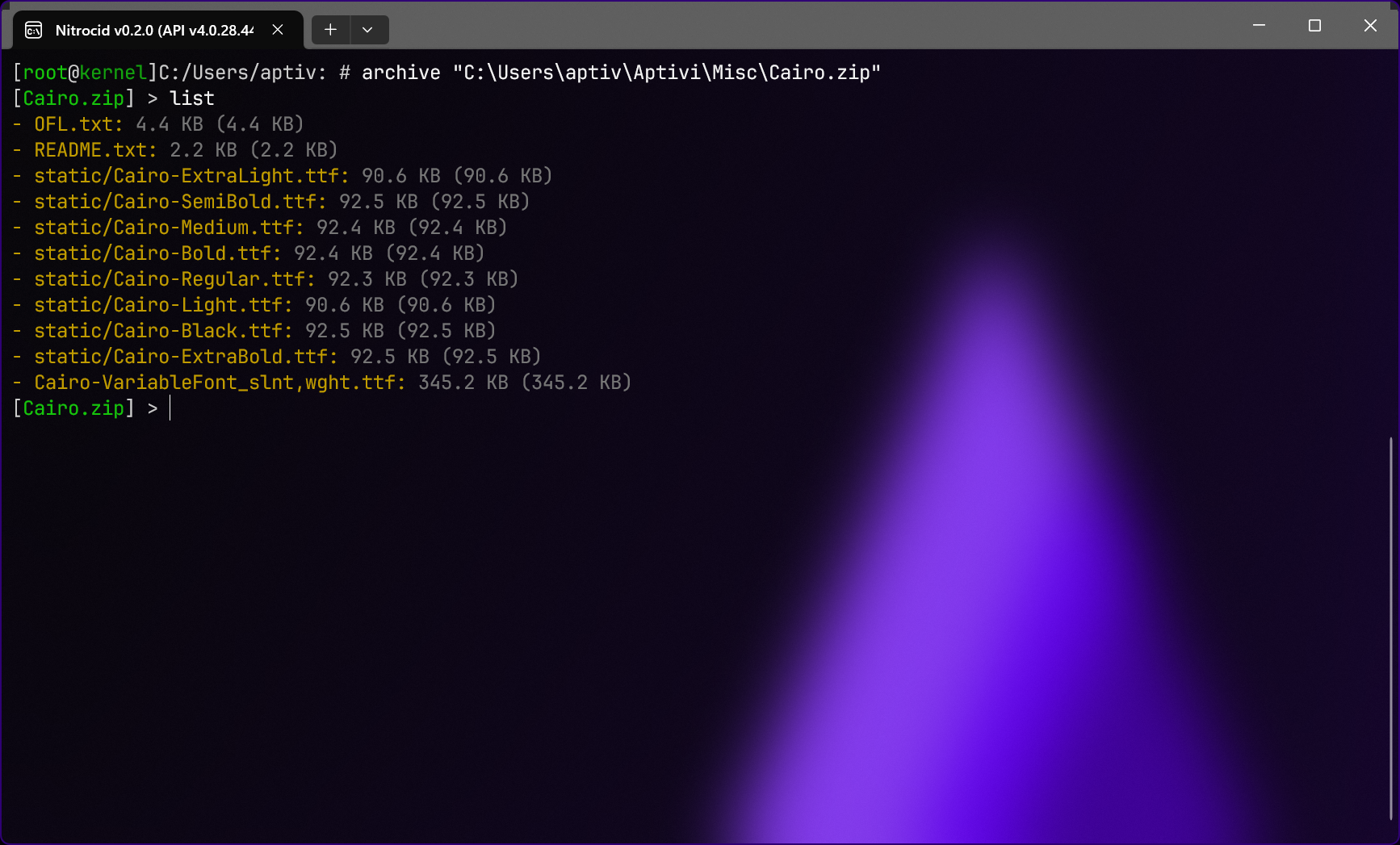
The archive shell allows you to manipulate with many archive files supported by the backend library that the archive shell relies on. You can edit archive files to pack or extract files and folders to/from the archive from/to your local directory.
***
## Usage
You can interact with the archive files by opening the archive shell to point to a file. This can be achieved using the `archive ` command.
You can consult the available commands using the `help` command.
***
## Supported formats
The following formats are currently supported by the backend library and the archive shell, maintaining the 1:1 relationship:
* RAR files
* ZIP files
* GZIP files
* TAR files
* 7Z files