> For the complete documentation index, see [llms.txt](https://aptivi.gitbook.io/aptivi/llms.txt). Markdown versions of documentation pages are available by appending `.md` to page URLs; this page is available as [Markdown](https://aptivi.gitbook.io/aptivi/nitrocid-ks-v0.2.1-rolling-manual/advanced-and-power-users/inner-workings/inner-essentials/kernel-journaling.md).
# Kernel Journaling
Let's keep the journals here.
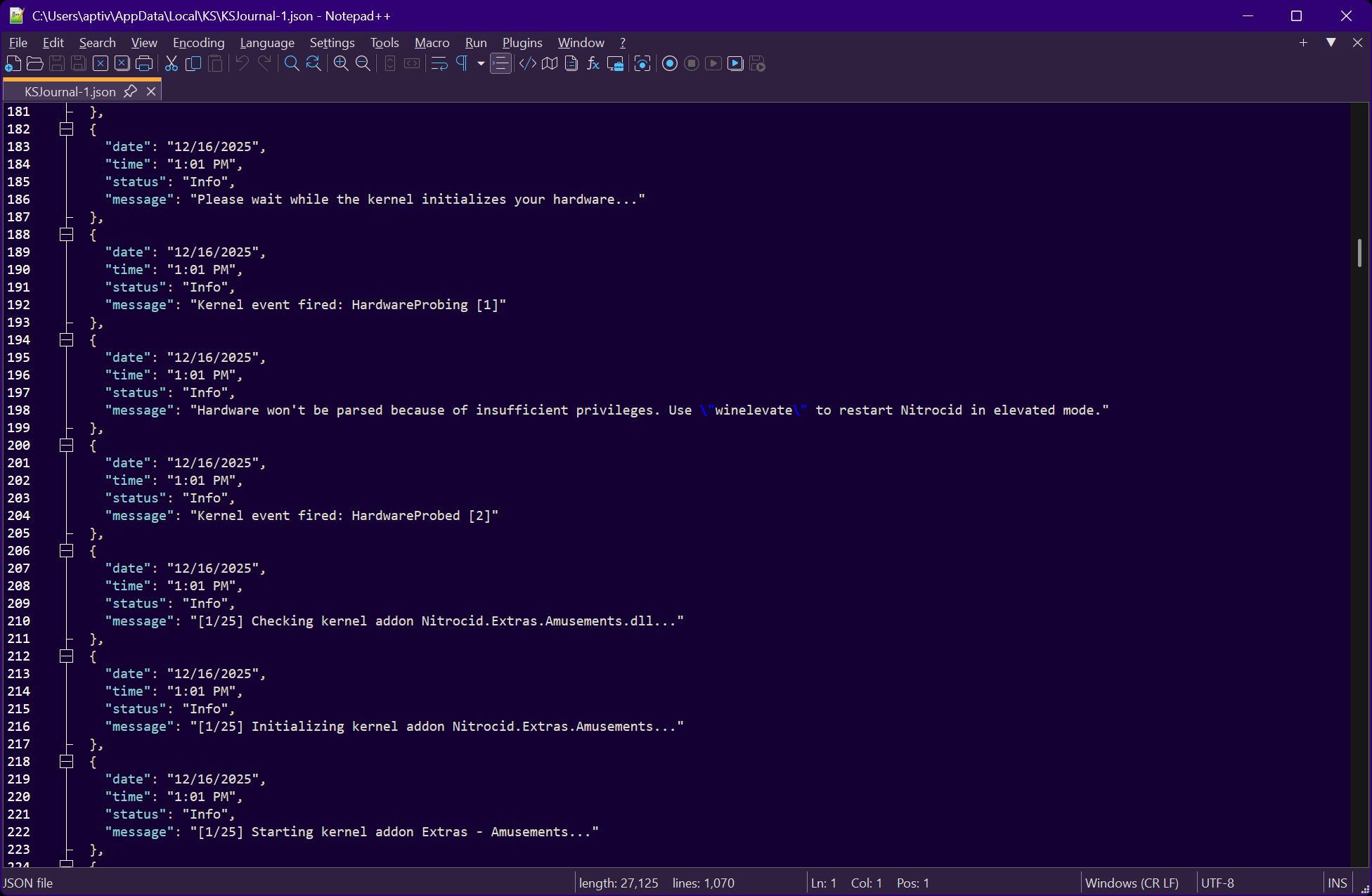
Kernel journals are JSON files that tell you how the kernel is going, such as the boot process and raised events. They are serialized to the journal entry class, `JournalEntry`, which you can get all of the current session's kernel journals by using a function, `GetJournalEntries()`.
Items of a journal entry
Each entry contains the following items:
Item
Description
Date
The date in which the event happened.
Time
The time in which the event happened.
Status
The status of the journal that can be expressed by the JournalStatus instances.
Message
The contents of the journal.
JSON structure
Each kernel session contains a JSON file that has the following format:
```json
[
{
"date": "Friday, September 8, 2023",
"time": "9:29:05 AM",
"status": "Info",
"message": "Kernel event fired: FileCreated [2]"
},
(...)
]
```
This JSON file is serialized as an array of `JournalEntry` instances and is automatically saved when a write occurs.
***
## Manipulating with the Journals
You can manipulate with the kernel journals using the following available functions:
Writing to the Journal
Writing to the kernel journal is straightforward, as there are two functions that are simple to use:
```csharp
public static void WriteJournal(string Message, params object[] Vars) { }
public static void WriteJournal(string Message, JournalStatus Status, params object[] Vars) { }
```
You can write any message, like a progress of some operation, to the kernel journal using just the message as an argument. However, this message will get saved as an informational message to the kernel journal. This means that the message that you write to the kernel journal using the first function will have the journal status of `Info`.
To specify the journal status, you'll have to select one of the `JournalStatus` values after writing your message. This feature is available in the second function overload.
The journal status can be one of:
* `Fatal`: A fatal error has occurred
* `Error`: An error has occurred
* `Warning`: A continuable error has occurred
* `Info`: Just a simple message
Getting journal entries
You can get all the current session's kernel journal entries by calling the `GetJournalEntries()` function to get these entries with the properties that are explained at the top of this page.
```csharp
public static JournalEntry[] GetJournalEntries() { }
```
Manually saving journals
To manually save the kernel journals for this session, you can use the `SaveJournals()` function to force saving all the journals to the current session's journal file.
```csharp
public static void SaveJournals() { }
```
Printing the journal log
The journal management class also provides you an easy way to print the journal log and its details, such as the time, the status, and the message. You can use the `GetJournalEntries()` function to print the log to the console.
```csharp
public static void PrintJournalLog() { }
```